
A property company asked its software vendor for the features it needed. Months later, the vendor said they could not be done. That is often the moment a business starts pricing custom software. Then the first quotes arrive, and they look nothing alike.
This guide explains custom software cost in plain words. You will see what sets the price and what you keep paying after launch. You will also learn how to keep the budget safe, whether you are in Malaysia, Singapore or Australia.
Key takeaways
- Custom software has no fixed price. You pay for a team's time, and the scope sets how much time is needed.
- User roles, links to other systems, old data, offline use, compliance and extra platforms push the price up most.
- Budget for running costs from day one: hosting, app store fees, fixes and new features.
- A smaller first version keeps the cost down, because many features in a typical product go unused.
- A good quote is itemised, says who owns the code and shows what support costs after launch.
Why is there no fixed price for custom software?

Custom software has no fixed price because you pay for a team's time, not a boxed product. The work the software must do sets how many weeks that team needs. So two systems with the same label, such as a booking system, can have prices far apart.
Think of the price as people multiplied by time. The people are the developers, plus the design and testing work. The time comes from the scope, which is the list of what the software must do.
That is why a price given before anyone asks about your workflow is a guess. A fair quote comes after someone maps how your business works today. Expect questions about who will use it, what it must connect to and where your data lives now.
Team rates also differ from country to country. So when you compare quotes, make sure they cover the same scope.
What makes custom software cost more?
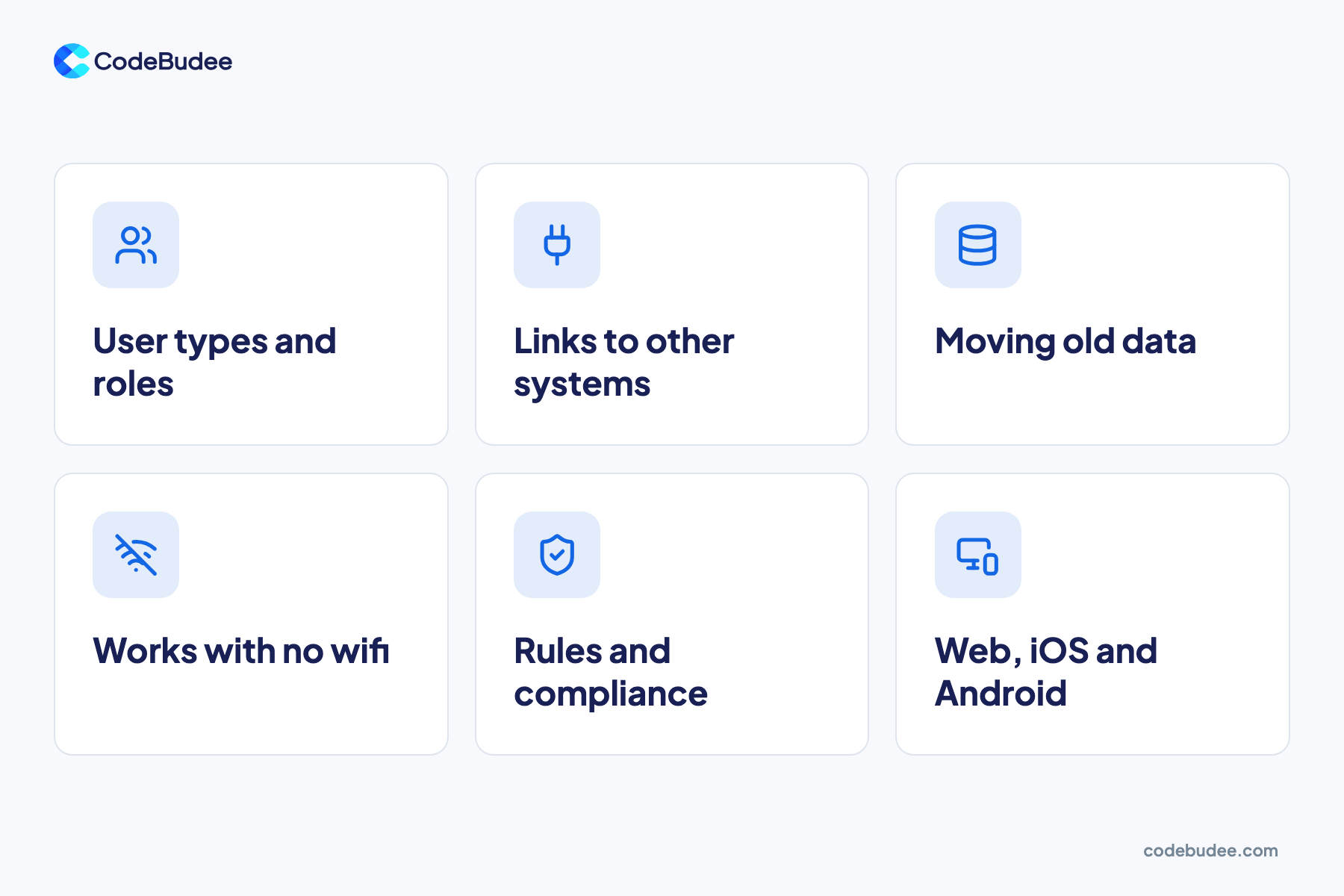
Six things push custom software cost up the most. Each one adds screens, logic and testing. They are user types, links to other systems, old data, offline use, compliance rules and extra platforms. Knowing which ones apply to you helps you read any quote.
- User types and roles: staff, managers and customers each see different screens and have different rights. More roles mean more screens to build and test.
- Links to other systems: an API is a way for two systems to talk to each other. It connects your software to accounting, payment or HR tools. Each link needs building, testing and care when the other side changes.
- Moving old data: records from spreadsheets or an old system must be cleaned and matched first. Messy data takes longer.
- Works with no wifi: an offline app saves data on the phone and syncs it later. It also needs rules for when two people change the same record.
- Rules and compliance: tax, privacy or industry rules add extra checks and reports. In Malaysia, e-invoicing through LHDN's MyInvois system is one example.
- Web, iOS and Android: each extra platform adds design and testing work. Cross-platform tools such as Flutter let one set of code run on both iOS and Android.
Page count is not on the list. A few complex screens can cost more than many simple ones.
What do you pay for after launch?
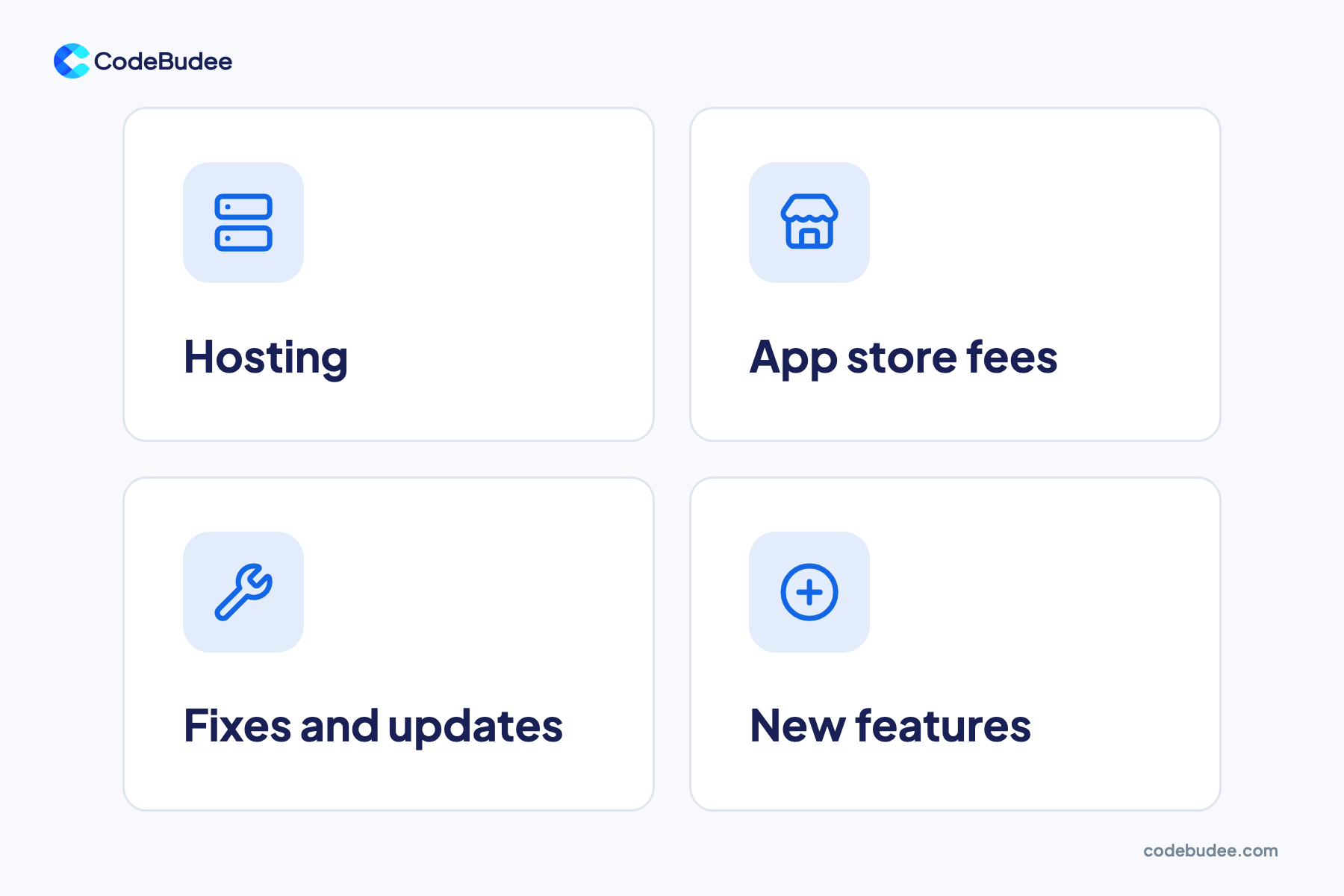
After launch, you keep paying for four things: hosting, app store fees, fixes and updates, and new features. These running costs belong in the budget from day one. A system that was cheap to build but has no money for upkeep slowly falls behind your business.
Some of these costs are small and fixed. Apple's developer programme costs US$99 per membership year as of 2026. You need it to publish on the App Store. Google Play charges a US$25 one-time registration fee.
Other running costs change with your business:
- Hosting: the servers and database your system runs on, often billed monthly by a cloud provider. The bill grows with your users and data.
- Fixes and updates: phones, browsers and linked tools change every year. Your software needs updates to keep working with them.
- New features: your business changes, so your software should too. Set aside a yearly sum for changes.
Skipped upkeep comes back later as a bigger bill. CISQ's 2022 report put the cost of poor software quality in the US at $2.41 trillion. It put technical debt, the cost of reworking badly built software, at about $1.52 trillion. For your business, a rushed build can end up being paid for twice.
How can you lower the cost without cutting corners?
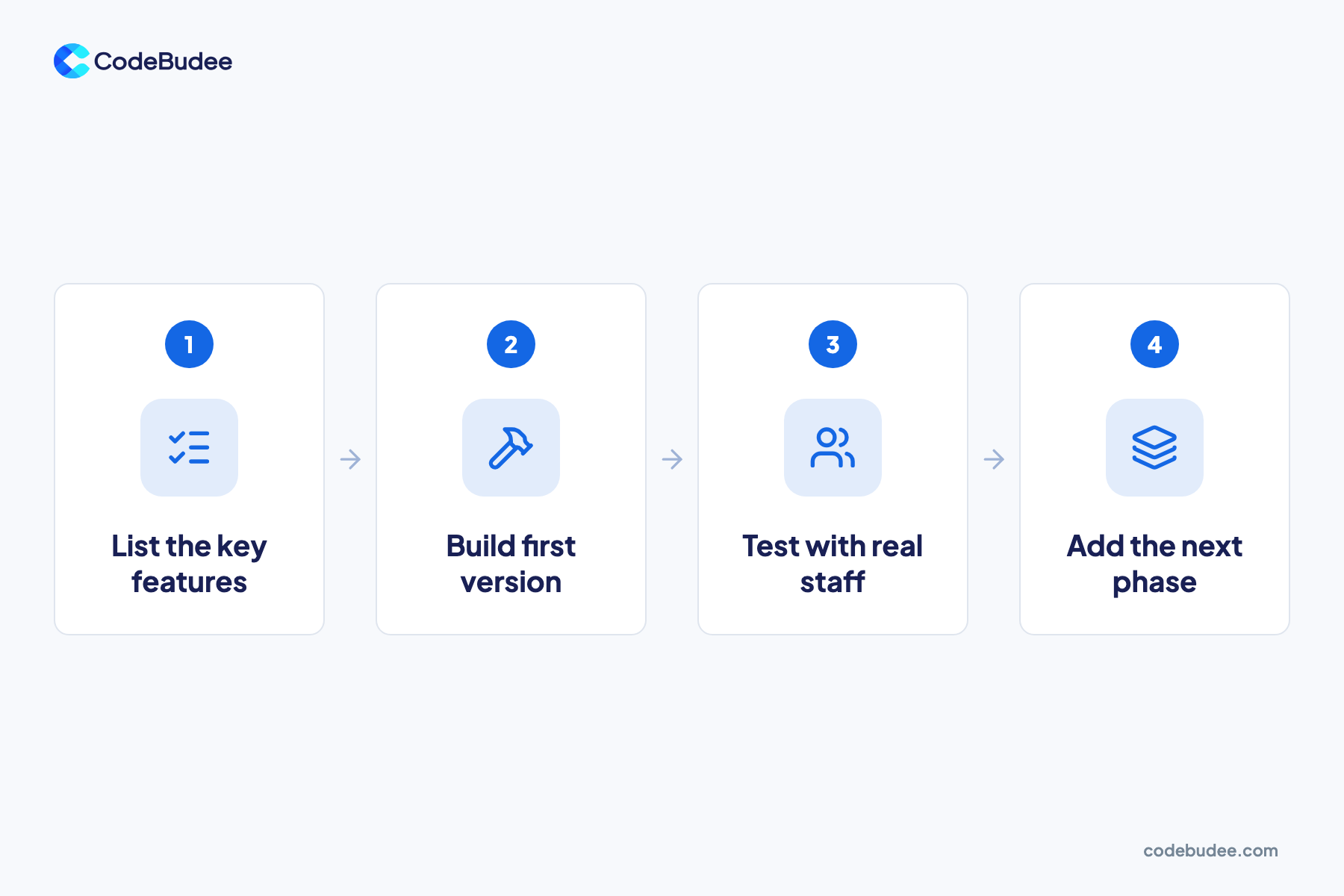
The safest way to lower custom software cost is to build a smaller first version. List the must-have features, build those, and test them with real staff. Then add the next phase. You pay for what people will use, and real feedback shapes each later phase.
- List the must-haves: write down the few jobs the system must do on day one. Mark everything else as "later".
- Build the first version: a working system for those jobs, built properly, not a throwaway demo.
- Test with real staff: watch how people use it and note what they skip or ask for.
- Add the next phase: pick the next features from real use, not from the first wish list.
Wish lists tend to be too long. Pendo's 2019 Feature Adoption Report studied feature use across 615 customer subscriptions. It found 80% of features are rarely or never used. Each unused feature still cost money to design, build and test.
Two more ways to save. Keep the tools that already work well and link them, rather than rebuilding everything. And name one person on your side who makes the decisions. A change agreed on paper costs far less than a change made halfway through the build.
To see what each stage involves, read how the custom software development process works.
What should a good software quote show you?

A good software quote shows what you are paying for, line by line. It lists each feature or phase with its own price. It says who owns the code at the end, what support costs after launch and what is left out. If a quote is one lump sum with no detail, ask for a breakdown.
Check each quote for these points:
- An itemised scope: each feature or phase priced on its own, so you can drop or delay items.
- Code ownership: whether you get the full source code when the project ends. Without it, you rent your own system.
- Life after launch: the cost and terms of support, fixes and hosting.
- What is left out: moving data, staff training, app store set-up or content. Gaps here turn into extra bills later.
- Who you will talk to: the person leading the build, and how often you will hear from them.
- How changes are priced: what happens when you ask for something new mid-project.
Comparing two quotes only works when both cover the same scope. Send every vendor the same written list of must-haves. Then compare them line by line, rather than by the total.
How CodeBudee approaches this
Every quote we give is clear and itemised from the start, with no hidden costs. Yearly maintenance is optional. You talk directly to the person leading the build. When the project ends, we hand over 100% of the source code, and you own it.
Ownership matters more than it looks. We built a property management system for an Australian agency. It replaced a rented system the agency could not adapt, and the client now owns the system outright. You can see other systems we have built in our work. For connected business systems, see our custom web app development service.
Frequently asked questions
How long does it take to build custom software?
It depends on the scope. At CodeBudee, a mobile app usually takes about 2 to 3 months. A web system usually takes about 3 to 6 months. Bigger connected systems can be built in phases. A timeline promised before anyone has mapped your workflow is a guess, the same as a price.
Is custom software cheaper than a subscription in the long run?
Sometimes. A subscription costs less to start, but per-user fees grow as your team grows. You also cannot change the product to fit how you work. Custom software costs more upfront, then you own it and pay mainly running costs. Our cost-benefit guide to custom software walks through the trade-off.
Do I own the code after it is built?
Only if your contract says so. Some vendors keep the code and license it back to you, which ties you to them. Ask for full source-code ownership in writing before you sign. With CodeBudee, you own 100% of the source code. We hand it over at the end of the project.
Can I start small and add features later?
Yes, and it is often the cheaper path. Build a first version for the jobs that matter most, then add features in phases. Ask for a design that leaves room to grow, so later phases do not mean a rebuild. If your needs are simple, a ready-made tool may be enough for now. Our guide to low-code, no-code or custom code can help you decide.
Your next step
Custom software cost comes down to scope, time and upkeep. Write down your must-haves and ask every vendor to quote the same list. Compare the quotes line by line, and budget for running costs from the start. Then build the smallest version that does the real job, and grow it from there.
Book a free consultation to talk through your scope and what it might cost.
