
A demo of an AI agent looks cheap. A tool charges a few dollars a month, or a few cents a chat. Then a quote for a custom build arrives, and the number is much bigger. So which one is the true cost of an AI agent?
In truth, you pay three times. You pay to build it, to run it and to keep it working. This guide shows how vendors charge, what pushes the monthly bill up, and the costs that appear after launch. It ends with a simple rule for buying or building, and five steps to budget before you commit.
Key takeaways
- An AI agent has three costs: building it, running it each month and keeping it working after launch.
- Vendors charge per user, per conversation, per outcome or per token. Each bill grows with use in a different way.
- The AI model you pick can change the running cost a lot. On one price list, the top current model costs 100 times more per output token than the cheapest.
- Buy a ready tool for standard jobs. Build your own when the agent must act inside your own systems.
What does an AI agent cost in total?
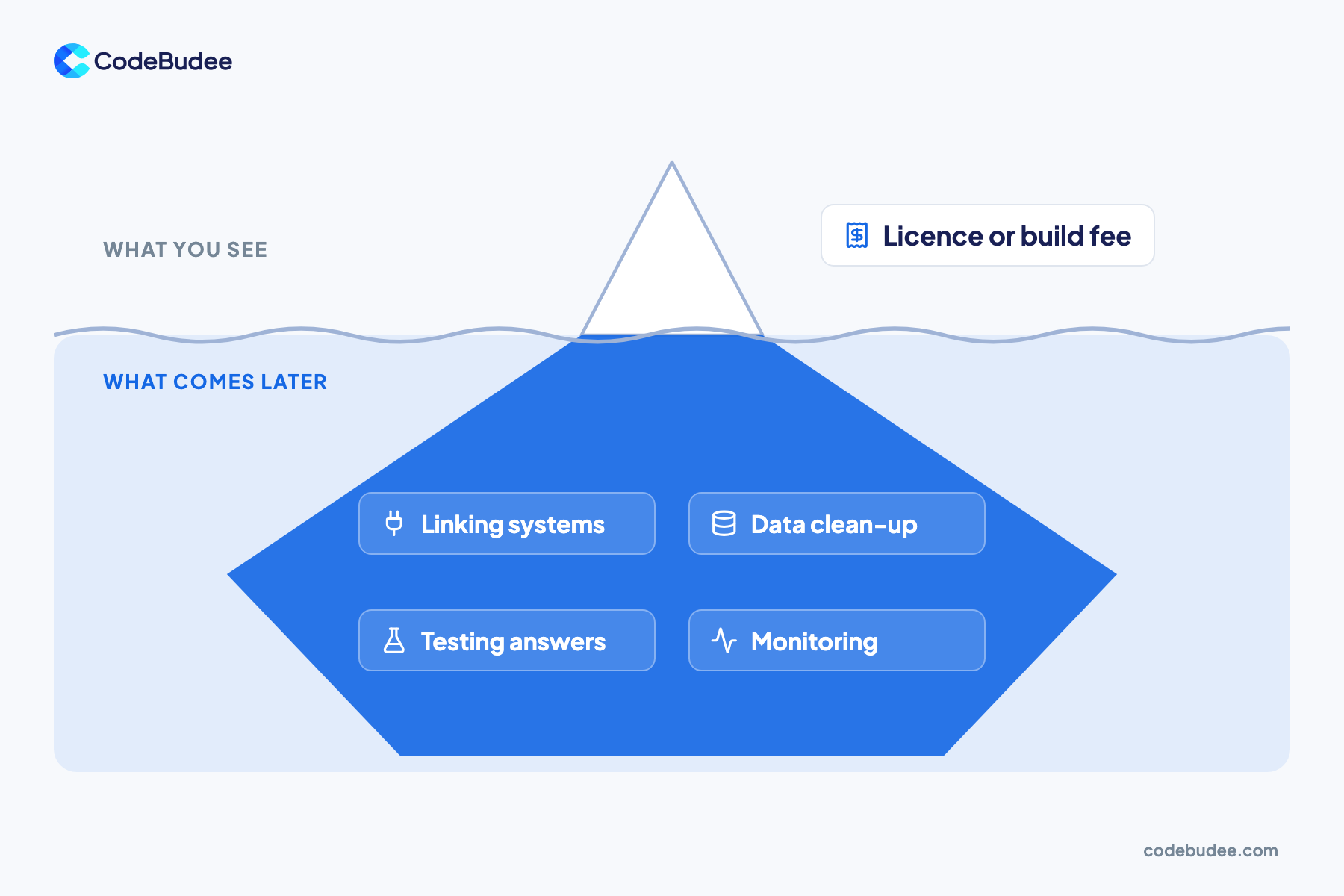
Every AI agent costs three things: the build, the running bill and the upkeep. The build is the licence fee or the work to make it. The running bill covers the AI model and hosting each month. Upkeep covers testing, monitoring and fixes. The first number you see is only one of the three.
By definition, an AI agent is software that uses an AI model to do a task with several steps. It might answer a customer, look up an order and then book a refund. A chatbot only talks. An agent also takes actions in other systems.
Interest is high. In an IBM study of 2,000 CEOs, 61% said they are actively adopting AI agents. The same 2025 study found only 25% of AI projects delivered the return they expected.
How do AI agent vendors charge?
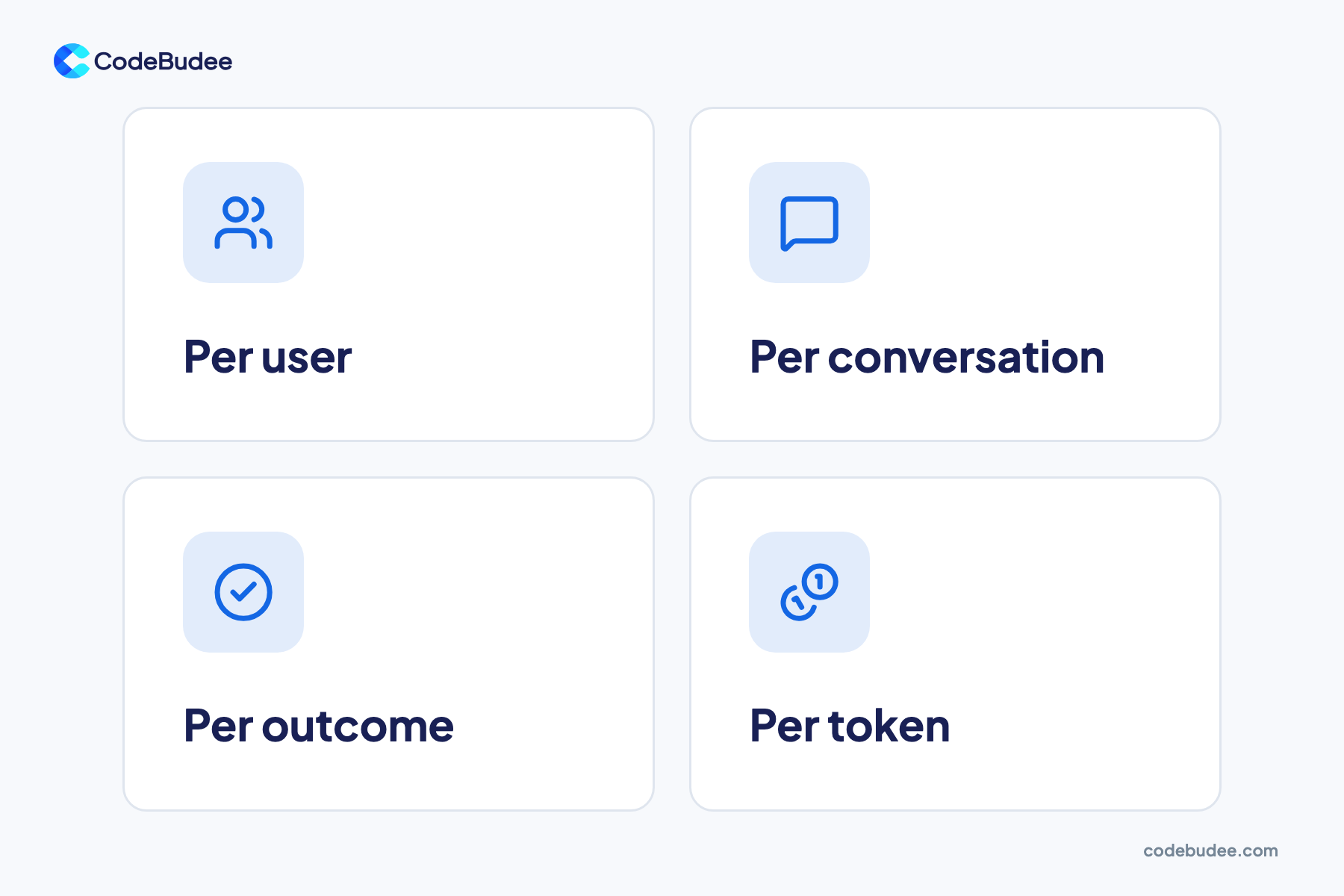
Vendors charge for AI agents in four main ways. They bill per user, per conversation, per outcome, or per token of AI model use. Each model grows with use in a different way. A per-user price stays flat as chats rise. A per-conversation or per-outcome price rises with every customer you serve.
Here is how each one works, with real prices from vendor pages:
- Per user: you pay a monthly fee for each staff member who uses the agent. This suits agents that help your own team.
- Per conversation: Salesforce lists its customer-facing Agentforce agents at $2 per conversation. It also sells credits at $500 per 100,000, and one agent action uses 20 credits.
- Per outcome: Intercom prices its Fin agent at $0.99 per outcome. An outcome counts when Fin resolves an issue or completes a set workflow, including a handover to staff.
- Per token: you pay the AI model maker for the text the model reads and writes. This is how most custom-built agents are billed.
Per-outcome pricing is simple to understand. But it scales in step with your volume. At $0.99 each, 1,000 resolved chats a month cost $990. At 20,000 a month, the same agent costs $19,800.
What makes the monthly running cost go up?
Three things push the monthly running cost up. They are the number of tasks, the text read and written per task, and the AI model. Model choice often matters most. On Anthropic's price list, its top current model costs 100 times more per output token than its cheapest.
AI models charge by the token. A token is a small chunk of text, often part of a word. You pay for tokens the model reads (input) and tokens it writes (output). Output tokens usually cost more.
Anthropic's pricing page shows the gap. Claude Haiku 5.5 costs $0.50 per million output tokens for shorter prompts. Claude Sonnet 5.5 costs $10, and Claude Fable 5.1 costs $50.
Here is a worked example, for illustration only. Say your agent handles 1,000 chats a day. Each chat reads 3,000 tokens and writes 500.
- On Claude Sonnet 5.5 ($2 input, $10 output per million tokens): about $11 a day, or $330 a month.
- On Claude Haiku 5.5 ($0.10 input, $0.50 output): about $0.55 a day, or $16.50 a month.
Most agents call the model several times for one task, so multiply by that. Work that can wait also costs less. The same pricing page offers a 50% discount on input and output for its Batch API. That service runs requests in bulk, not instantly.
What costs show up after launch?

After launch, the costs come from keeping the agent useful and safe. You pay to connect it to your systems, clean the data it reads and test its answers. You also pay to watch it for mistakes and update it when the AI model changes. These costs keep going for as long as the agent runs.
Upkeep covers five main jobs:
- Connecting your systems: the agent needs live access to orders, bookings or stock. Each link must be built and kept working.
- Cleaning data: an agent that reads messy records gives messy answers. Our guide to signs your data is not ready for AI shows what to fix first.
- Testing answers: someone checks a sample of answers each week and fixes the instructions when they drift.
- Monitoring: alerts for failed actions, rising costs and odd behaviour.
- Model updates: vendors retire old models, so prompts and tests need a refresh.
Skipping this work can leave a project stuck. The IBM study found only 16% of AI projects had scaled across the whole company. Half of the CEOs said fast spending had left them with disconnected, piecemeal technology.
Should you buy an AI agent or build your own?
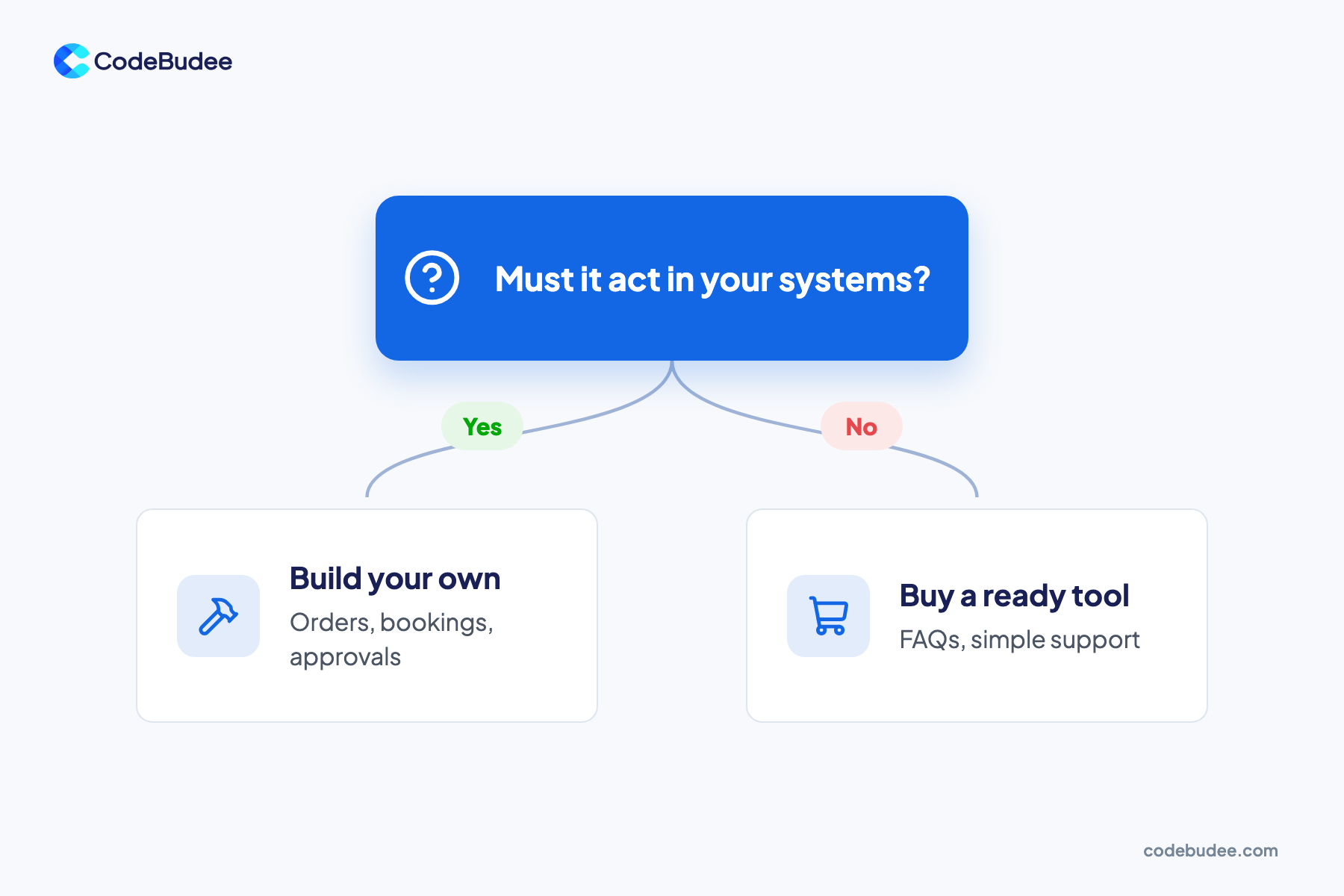
Buy a ready AI agent when the job is standard and its data sits in one tool. FAQ answers in your help desk are a good example. Build your own when the agent must act inside your own systems, such as orders, bookings or approvals. A custom build also pays off when per-chat fees climb with high volume.
Use this rule of thumb:
- Buy when the agent answers questions, works inside one product you already use, and handles modest volume.
- Build when the agent must change data across several of your systems, or follow your own approval rules.
- Build when per-outcome fees at high volume would far exceed token costs on a cheaper model.
Any custom agent is a software project, so it costs what any build costs: design, code, testing and hosting. Our guide to what sets the price of custom software explains those parts. If the agent needs your own documents, compare training your own AI model or using RAG first.
For an agent that works across your systems, custom web app development fits it to how your business runs.
How do you budget for an AI agent before you commit?
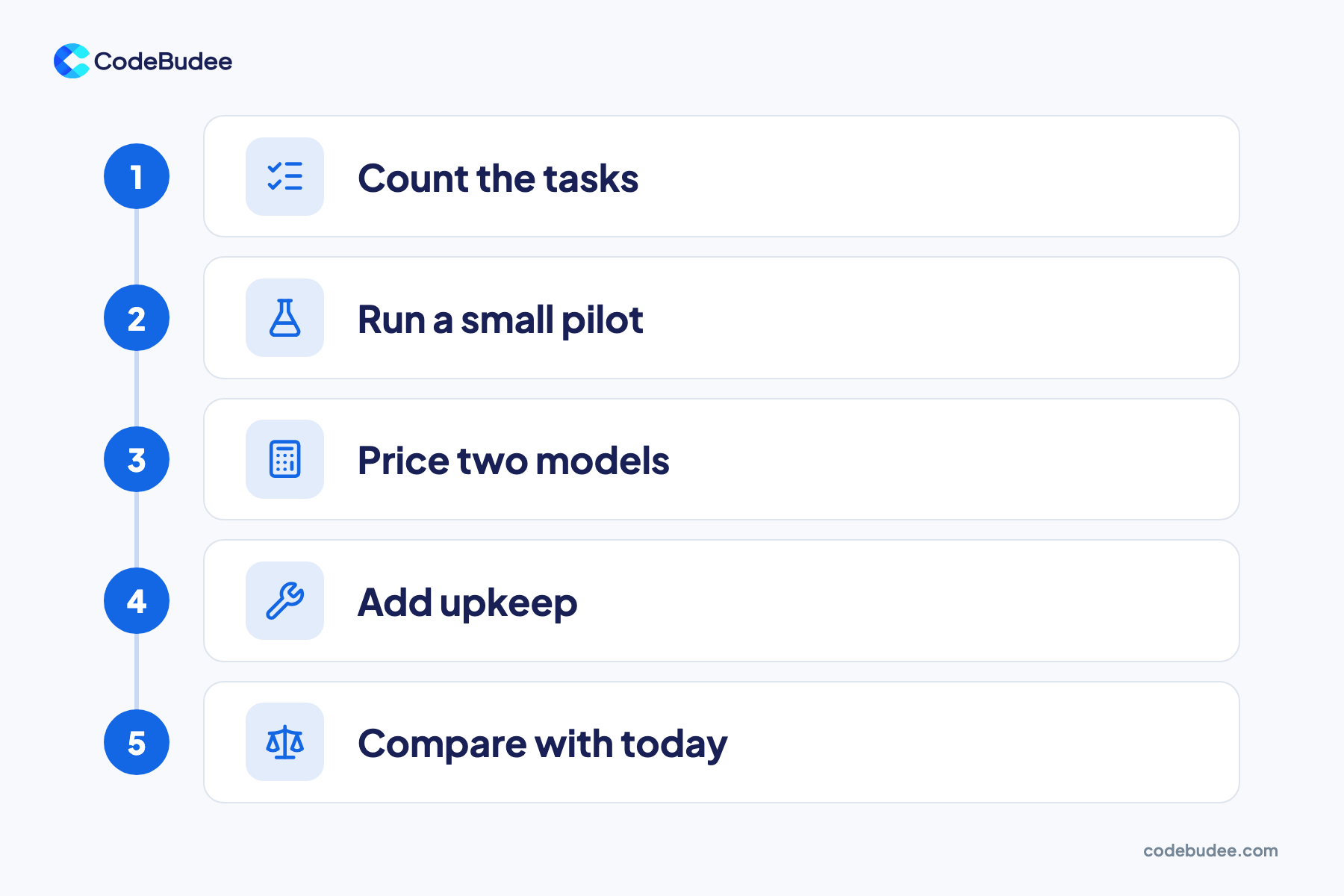
Budget for an AI agent by measuring before you buy or build. Count the tasks it will do each month. Run a small pilot to see how many tokens each task uses. Price the result on two models, add upkeep, and compare the total with what the task costs you today.
- Count the tasks: how many chats, orders or requests a month will the agent handle?
- Run a small pilot: test it on real cases for two to four weeks. Record tokens and model calls per task.
- Price two models: work out the monthly bill on a strong model and a cheaper one. Many tasks run well on the cheaper one.
- Add upkeep: include staff time for testing, monitoring and fixes, plus hosting.
- Compare with today: set the total against what the task costs now in staff time and errors.
A pilot turns a guess into a measured number. It also shows which tasks the agent gets wrong, before customers see them.
Frequently asked questions
Can you get an AI agent for free?
Some tools have free tiers, and some agent frameworks are free to download. But a working agent still uses an AI model. Models charge per token once you pass any free limit. You also need hosting and time to set it up and check it. A free start is fine for a test, but plan for a running bill.
How much does it cost to build a custom AI agent?
It depends on how many systems the agent must connect to and how many steps it takes. A simple agent that answers from one set of documents is a small project. An agent that reads and updates orders, stock and bookings is a full software build. Ask for an itemised quote that splits the build from monthly running and upkeep.
Is a cheaper AI model good enough?
Often, yes. Many simple steps, like sorting a message or pulling out an order number, run well on a smaller model. Save the stronger model for steps that need careful reasoning. Test both on the same real cases during your pilot. Then pick the cheapest model that gets the answers right.
How long before an AI agent pays for itself?
Divide the total build cost by the money saved each month, after running and upkeep costs. If the saving is small or hard to measure, payback can take a long time. Only count savings that show up as real money, like fewer paid hours or fewer costly errors. Freed-up time that is not used elsewhere is not a saving.
Your next step
Your AI agent's cost is more than the price tag. You pay to build it, to run it each month and to keep it working after launch. Pick a pricing model that fits your volume. Test cheaper models in a pilot, and budget for upkeep from day one.
Book a free consultation to talk through what an AI agent would cost your business. We can also help you decide whether to buy or build.
