Your sales team says 400 customers bought last quarter. Finance counts 380. The warehouse ships to a customer who moved a year ago. Nobody is lying. The same facts live in three places, and each copy drifted a little. This is weak data quality in a normal business. Data quality management is how you stop it.
Key takeaways
- Data quality management means keeping your business data right, complete and consistent, so people can trust it.
- Weak data is common. A 2018 Experian survey found businesses suspect 30% of their contact data is inaccurate.
- Bad data often starts when people type the same thing into several systems by hand.
- Fix the entry point first. Checks that run when data goes in beat clean-ups that run later.
- In Malaysia, keeping personal data accurate is also a legal duty under the PDPA.
What is data quality management?
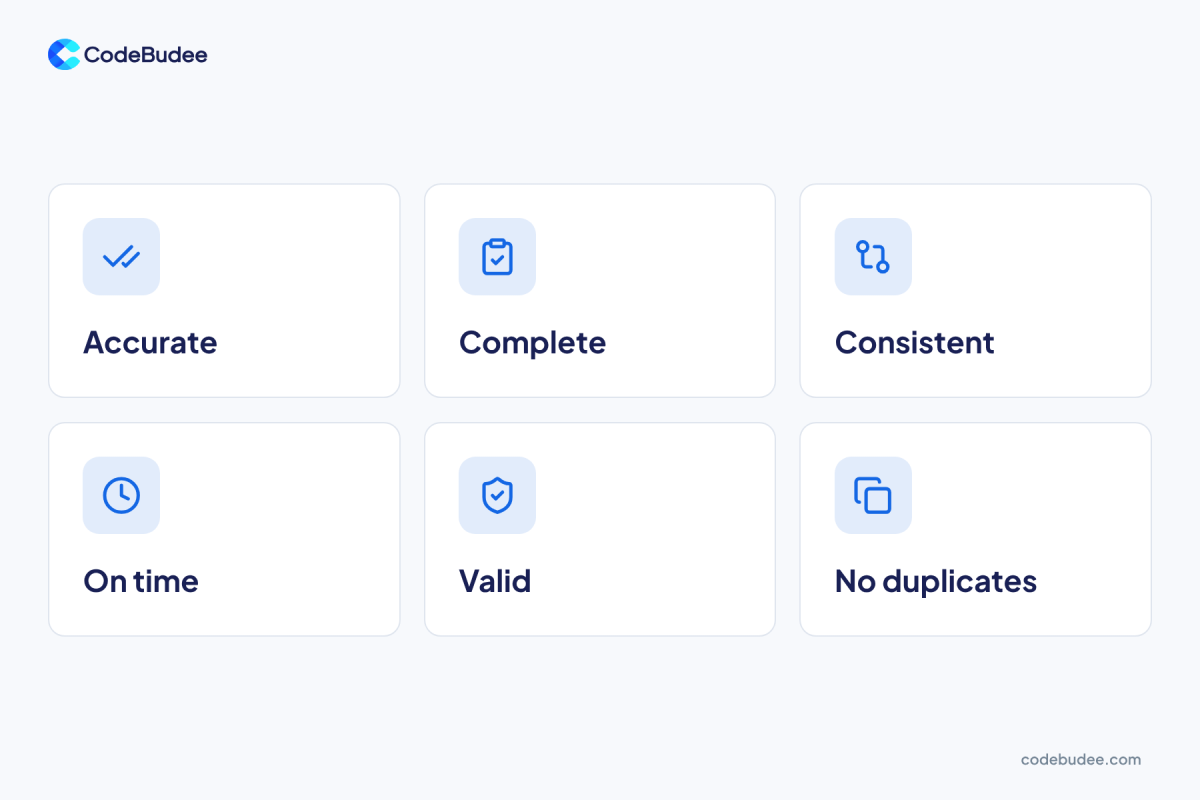
Data quality management is the routine of keeping your business data accurate, complete and consistent. People can then use it to decide and act. It covers who owns each type of data. It also covers the rules the data must follow, and how errors get found and fixed.
Teams usually judge data on six checks. Is it accurate (does it match reality)? Is it complete (are required fields filled)? Is it consistent (do two systems agree)? Is it on time (is it recent enough)? Is it valid (does it follow the right format)? Is it unique (is each customer listed once)?
You do not need all six on day one. Pick the two that hurt most. For many SMEs, that means complete and consistent.
What does bad data cost a business?
Bad data costs you time first, then money, then trust. Staff spend hours checking numbers before every meeting. Invoices go to the wrong address. Reports disagree, so leaders stop trusting them and fall back on gut feel.
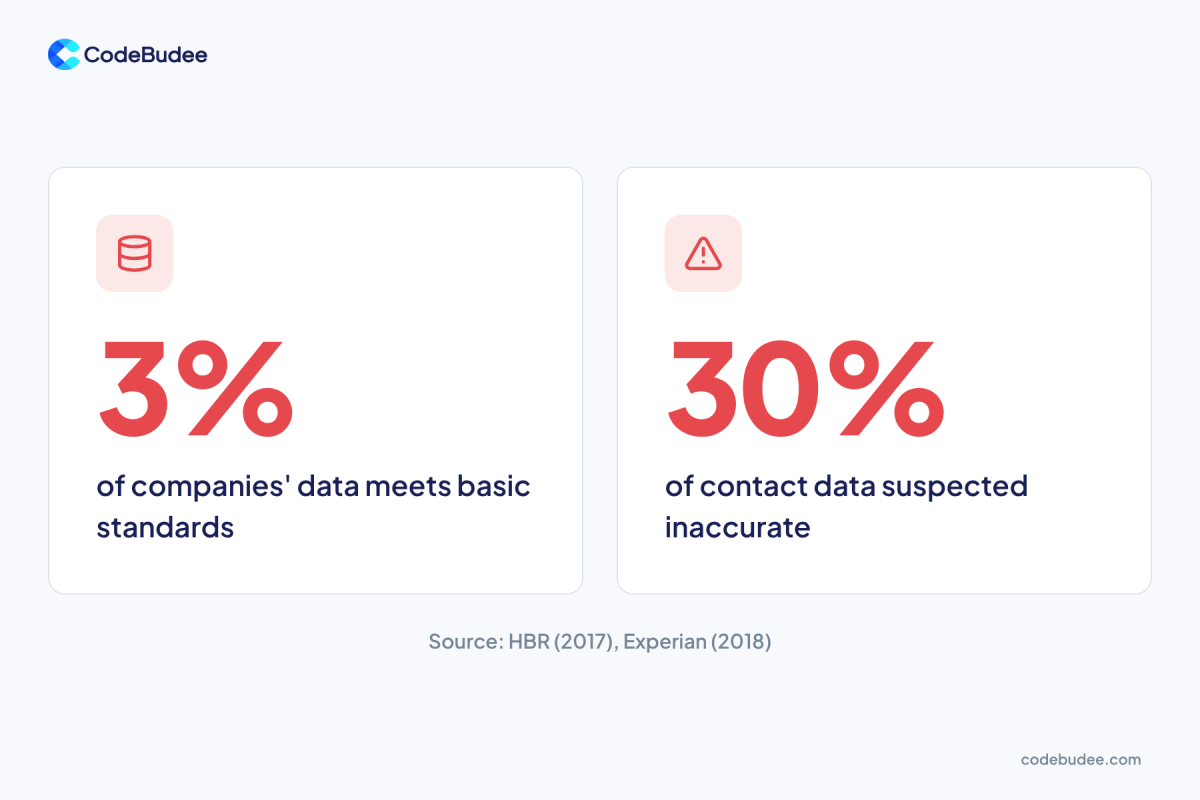
The scale of the problem is large. A 2017 Harvard Business Review article reported that only 3% of companies' data meets basic quality standards. In 2018, Experian surveyed 1,000 employees at global organisations. Businesses said they suspect 30% of their contact and prospect data may be inaccurate.
Both are survey results, so read them as a sign of the problem. They are no exact count for your firm. Your own error rate is easy to test. Pull 100 customer records and check them by hand.
The law adds a second reason in Malaysia. Section 11 of the PDPA tells a data user to take reasonable steps. The personal data must be accurate, complete, not misleading and kept up to date. You can read the wording in the Personal Data Protection Act 2010.
Where does bad data come from?
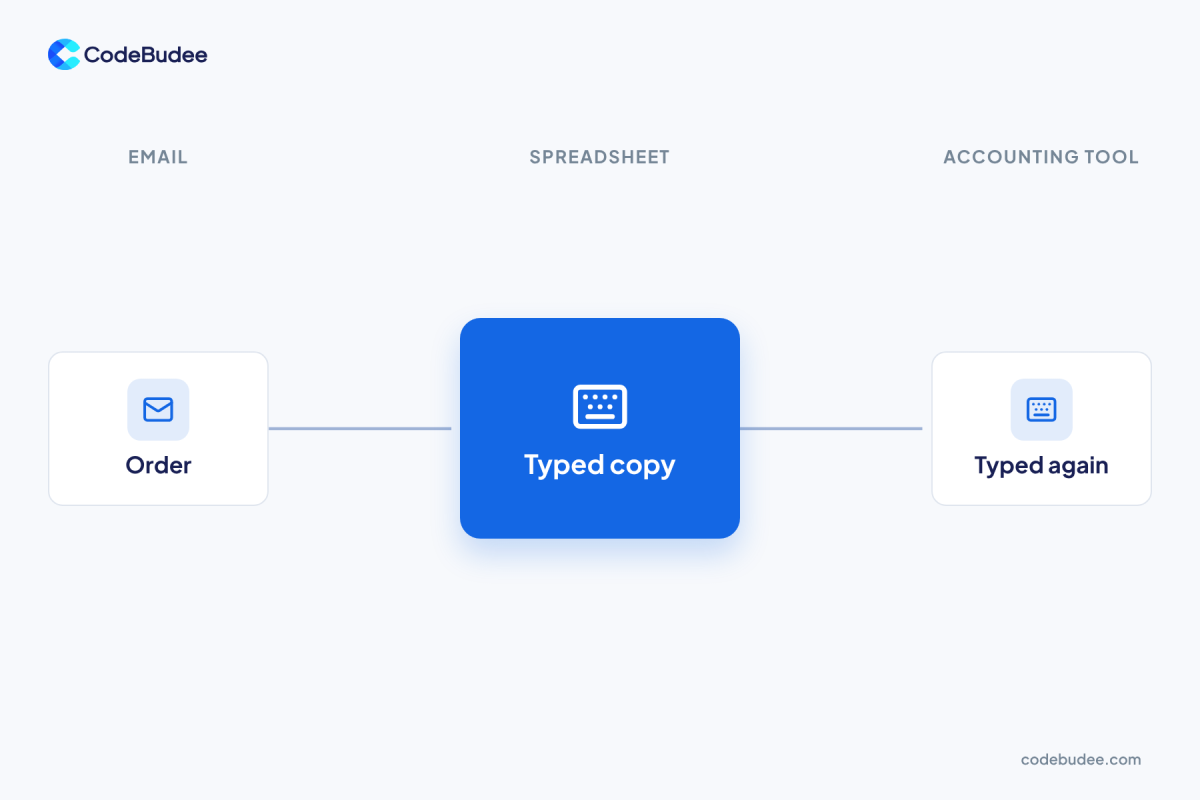
Typing the same information into more than one place is a common source of bad data. Each copy is a chance for a typo, a skipped field or an old value that never gets updated. The more systems you run, the more copies you have to keep in step.
Four sources show up again and again:
- Re-keying: a clerk copies an order from email into a spreadsheet, then into the accounting tool.
- Free text: one customer appears as "ABC Sdn Bhd", "ABC Sdn. Bhd." and "abc".
- Old records: a supplier changes bank details and only one system hears about it.
- Missing rules: a form lets staff save a record with the phone number left blank.
If you recognise this, the cause is rarely careless staff. The cause is a system that lets bad data in. We cover the spreadsheet side in 5 reasons to replace Excel with web apps.
How do you manage data quality in five steps?
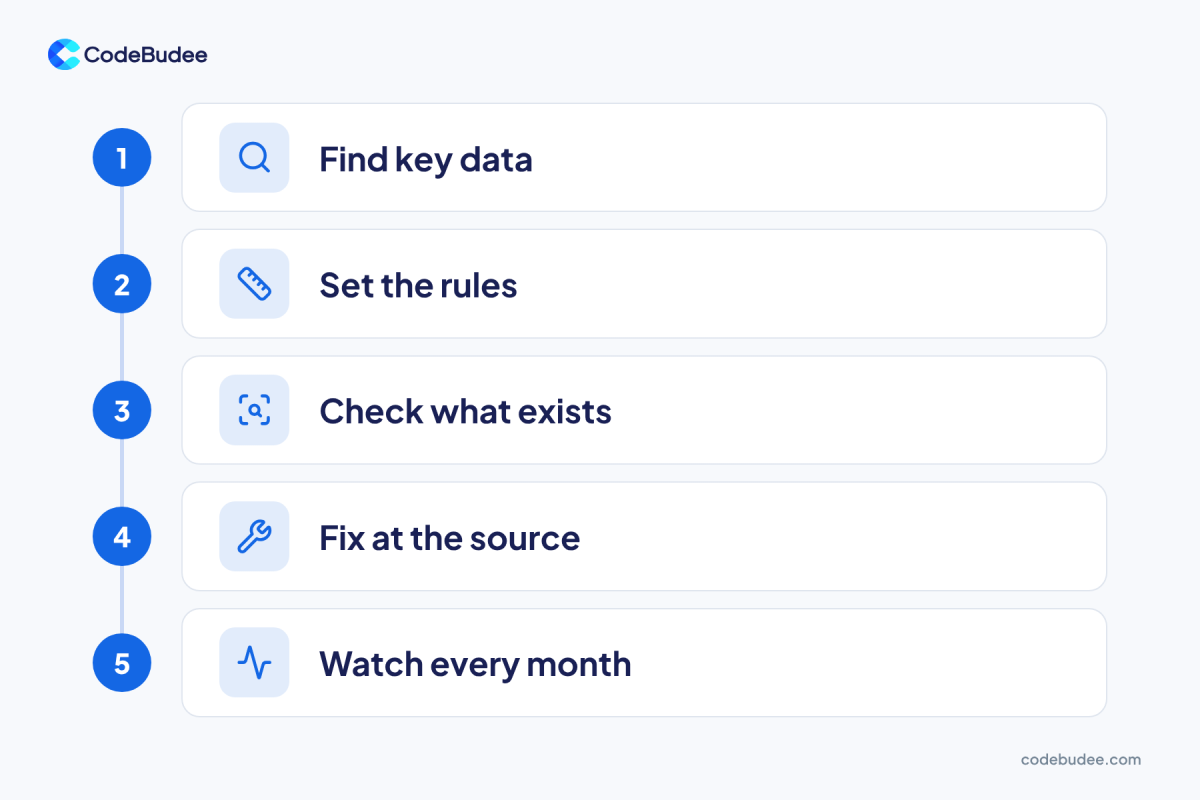
Five steps cover it. Find your key data, set simple rules and check what you have. Then fix errors at the source and review monthly. Start small. One clean customer list beats ten half-checked ones.
- Find your key data. List the records that drive money or decisions: customers, products, suppliers, prices. Name one owner for each.
- Set the rules. Write what "good" means in plain words. For example: every customer has a phone number, and each customer appears once.
- Check what exists. Sample 100 records for each type. Count how many break a rule. This gives you a starting score.
- Fix at the source. Correct the old errors, then find where they came in. Change the form, the import or the habit that caused them.
- Watch every month. Re-run the same sample. If the score drops, look at what changed.
Step 4 matters most. If you only clean old records, the same errors will keep coming back.
Should you buy a tool or build checks into your system?

Buy a data quality tool when you have a large pile of old, messy data to clean. Build checks into your own system when the errors keep coming from daily entry. Many firms need both, but the second one stops the problem at its start.
Buy a tool when:
- You merge several old databases into one.
- You need a one-off clean-up of customer lists.
- Your data sits in standard tools that you do not plan to change.
Build checks into your system when:
- Staff re-key the same data into several places.
- Your process is unusual, so off-the-shelf rules do not fit.
- You need a record of who changed what.
Here is a real Malaysian example. LHDN offers an API (a way for one system to talk to another). It lets a company's ERP system validate a Tax Identification Number before adding it to an invoice. The MyInvois documentation describes it. It is a good model: the system checks the data at the door. We look at the wider e-invoice duties in Is e-invoicing mandatory in Malaysia?
Checks like this live inside your own software. A team that builds custom web applications can add required fields and format rules. It can also add duplicate warnings on the exact screens your staff use. Clean data also helps if you plan to use AI later. See signs your data is ready for AI for a quick test.
Frequently asked questions
What is the difference between data quality and data governance?
Data quality is how good your data is today. Data governance is the set of roles and rules that keep it good. Governance names the owners and the policies. Quality management does the daily checking and fixing. Small firms can start with one owner per data type.
How often should we check our data quality?
Check once a month for key records such as customers, suppliers and prices. Use the same sample size each time, so the scores compare fairly. Check right after any big import, system change or merger of two lists, because that is when errors jump.
Who should own data quality?
A business person should own each type of data, not only the IT team. The sales lead owns the customer list. The finance lead owns supplier details. IT supports them with tools and checks, but the owner decides what "good" means.
Do we need special software to start?
No. You can start with a spreadsheet: sample 100 records, count the errors and write down three rules. Software helps once the volume is too high to check by hand. It also helps when you want errors blocked at entry.
Next step
Time and trust are what you lose. It is cheaper to stop it at entry than to clean it later. Start by checking 100 customer records this week. If you find the same errors again and again, your system is letting them in. Book a free consultation and we can talk through where your data goes wrong and what to build.