A Malaysian moneylender ran on an old, ready-made system that could not be changed. Its statutory reports took about a week, built by hand in Excel. Now add e-invoicing. If your business is covered, each sale goes through LHDN before your buyer sees it. If your system cannot do that, someone types each invoice twice.
This guide explains how an e-invoice works in Malaysia, in plain words. You will see the six steps, who does what, and what happens when you make a mistake. You will also learn what your own system must handle.
Key takeaways
- An e-invoice goes to LHDN first. LHDN checks it, and only then do you share it with your buyer.
- A valid e-invoice gets its own ID. An invoice with errors comes back to you to fix.
- You can cancel an e-invoice within 72 hours. After that, you need a credit, debit or refund note.
- You can send e-invoices by the MyInvois Portal, by ready-made software, or from your own system.
- A system that sends invoices must also check status, avoid duplicates and handle limits.
How does an e-invoice work in Malaysia?
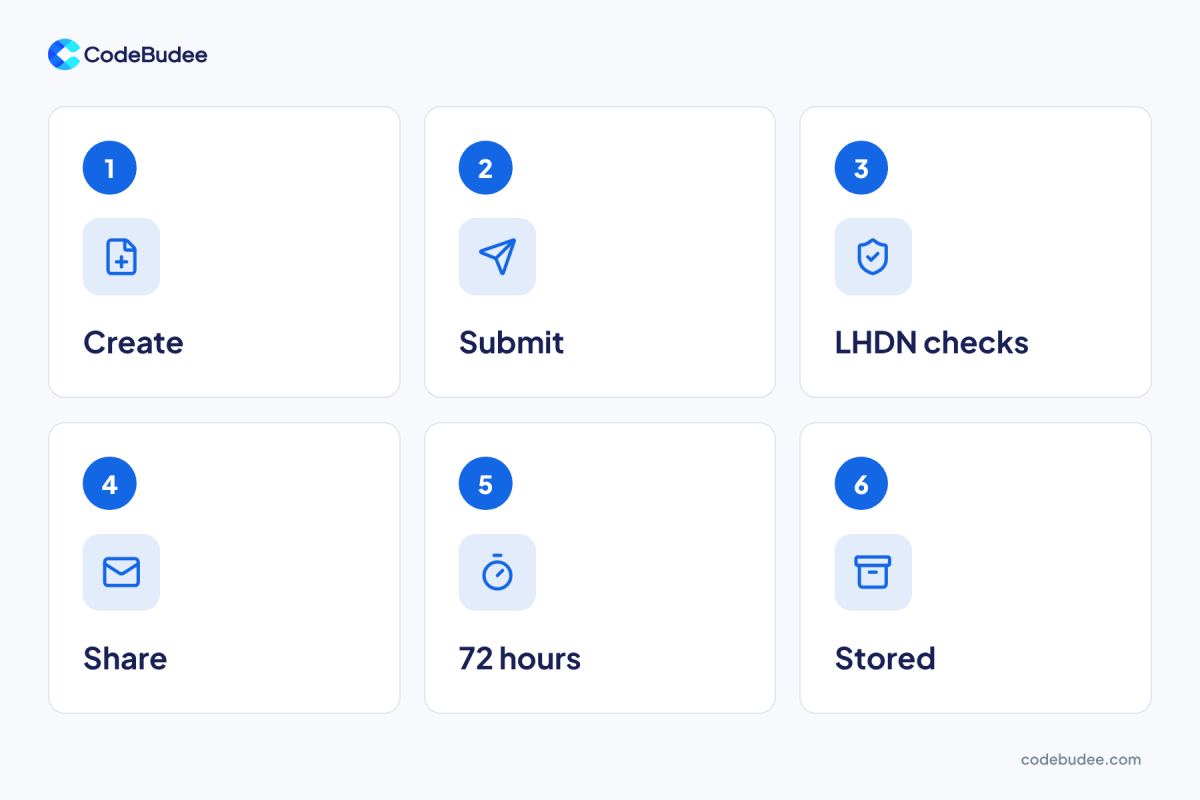
Six steps take an e-invoice from sale to record. You create the invoice and submit it to LHDN's MyInvois system. LHDN checks it and marks it valid or sends back errors. You then share the valid e-invoice with your buyer. You can cancel it for 72 hours.
Here is the flow:
- Create: your team or system builds the invoice, with the buyer's tax number (TIN).
- Submit: you send it to MyInvois, LHDN's e-invoice system.
- LHDN checks: a valid e-invoice gets its own ID. One with errors comes back to you.
- Share: you send the validated e-invoice to your buyer.
- 72 hours: the MyInvois cancel rules say cancelling "is permitted within the 72-hour window" after validation.
- Stored: the issuer can search documents in MyInvois in any status, so you can find an e-invoice later.
The order matters. Your buyer gets the invoice only after LHDN has checked it. So a typing error costs you time before the sale is even final.
Who does what in an e-invoice?
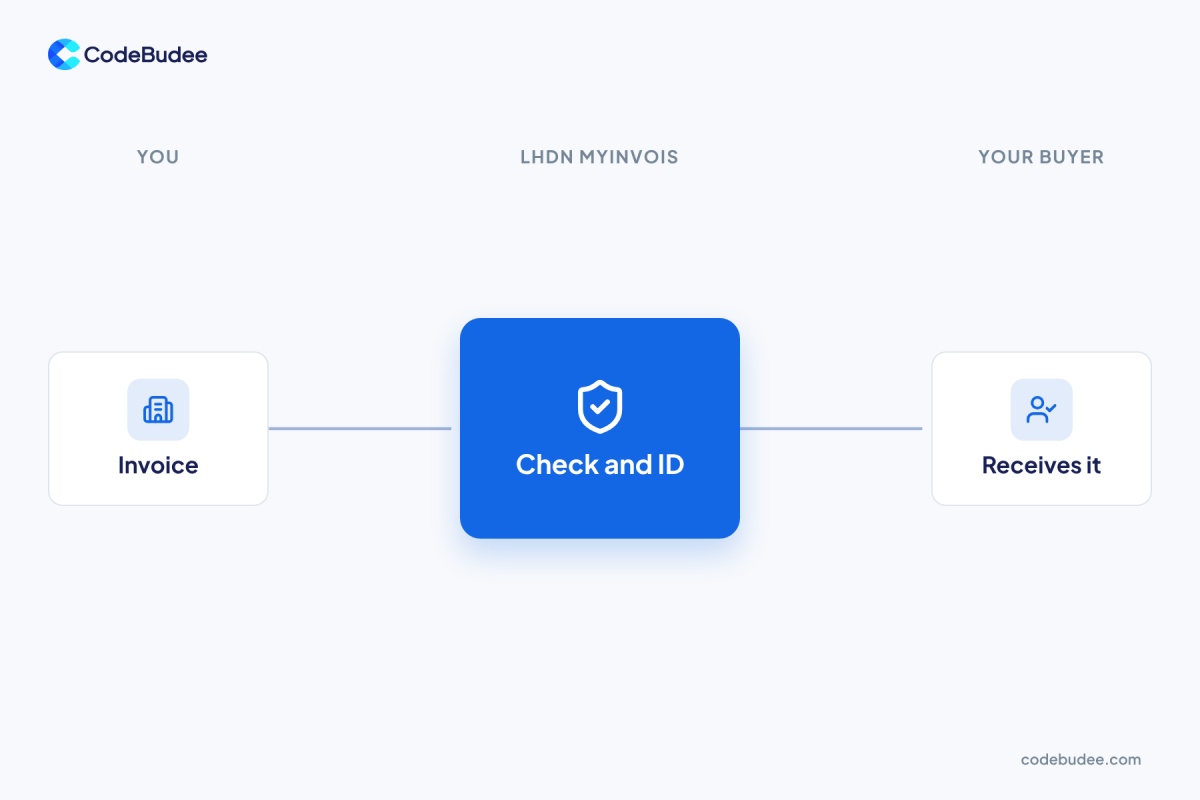
Three parties are involved: you, LHDN and your buyer. You create and submit the invoice. LHDN's MyInvois system checks it and gives it an ID. Your buyer receives the validated e-invoice from you, and can reject it within the same 72 hours.
Some businesses use a provider to submit for them. LHDN calls this provider an intermediary. Per the MyInvois FAQ, an intermediary submits with its own login. It can only see the e-invoices it submitted for you.
Uptake is already large. In October 2026, LHDN's chief executive said 268,000 taxpayers had joined, as reported by The Star. Nearly 1.9 billion e-invoices had been submitted for validation.
Not sure whether the rule covers your business? Our guide explains who must use e-invoicing in Malaysia.
What happens when an e-invoice has a mistake?
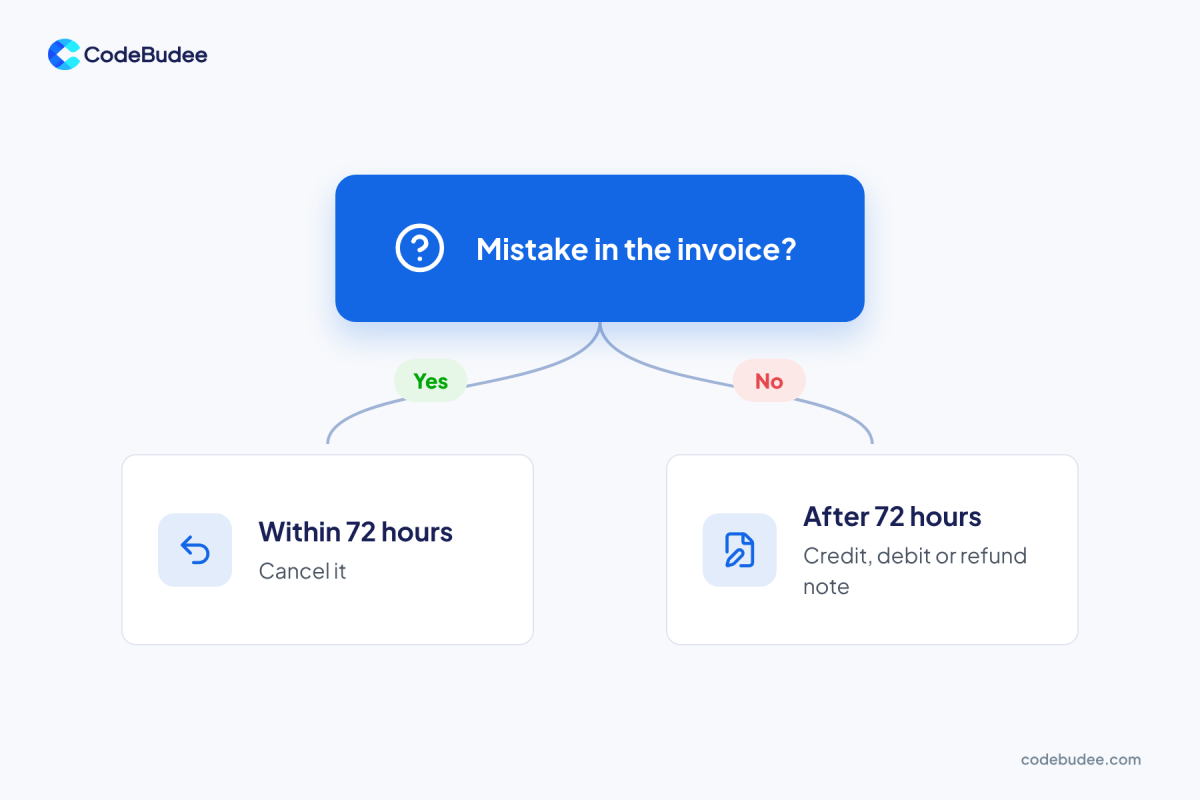
If you find a mistake within 72 hours of validation, you cancel the e-invoice. After 72 hours, you cannot cancel it. You fix it with a credit note, debit note or refund note instead. Your books then show both documents, so someone must record each one.
Your buyer can act too. The MyInvois reject rules let a buyer reject an invoice within the same 72 hours. That asks you to cancel it.
This is the step teams forget. A wrong invoice found on day four needs a new document, not a quick edit. So check each invoice on the day you send it.
LHDN also said taxpayers can fix reporting errors without penalties until 31 December 2027. Use that time to test your setup. Mistakes are cheaper to fix now than later.
How does your business send e-invoices?

There are three ways to send an e-invoice. You can key it into the MyInvois Portal, LHDN's own website. You can use ready-made accounting software or a provider. Or your own system can talk straight to LHDN's API (a way for two systems to share data).
1. The MyInvois Portal. The portal user guide has chapters on issuing documents and on batch upload. It suits a business with few invoices. The cost is staff time, because someone enters each one.
2. Ready-made software or a provider. It saves typing, but it works its own way. Your billing must fit its flow.
3. Your own system, by API. Your billing, booking or ERP system (the main system that runs your business) sends each e-invoice itself. You get your own access keys through the MyInvois Portal, per the same FAQ. This takes build and test work, but nothing is typed twice.
Bottom line: pick by where your invoices start. If they start in your own system, connect that system. Otherwise, someone re-types every invoice, and typing errors become tax errors.
What must your own system handle?
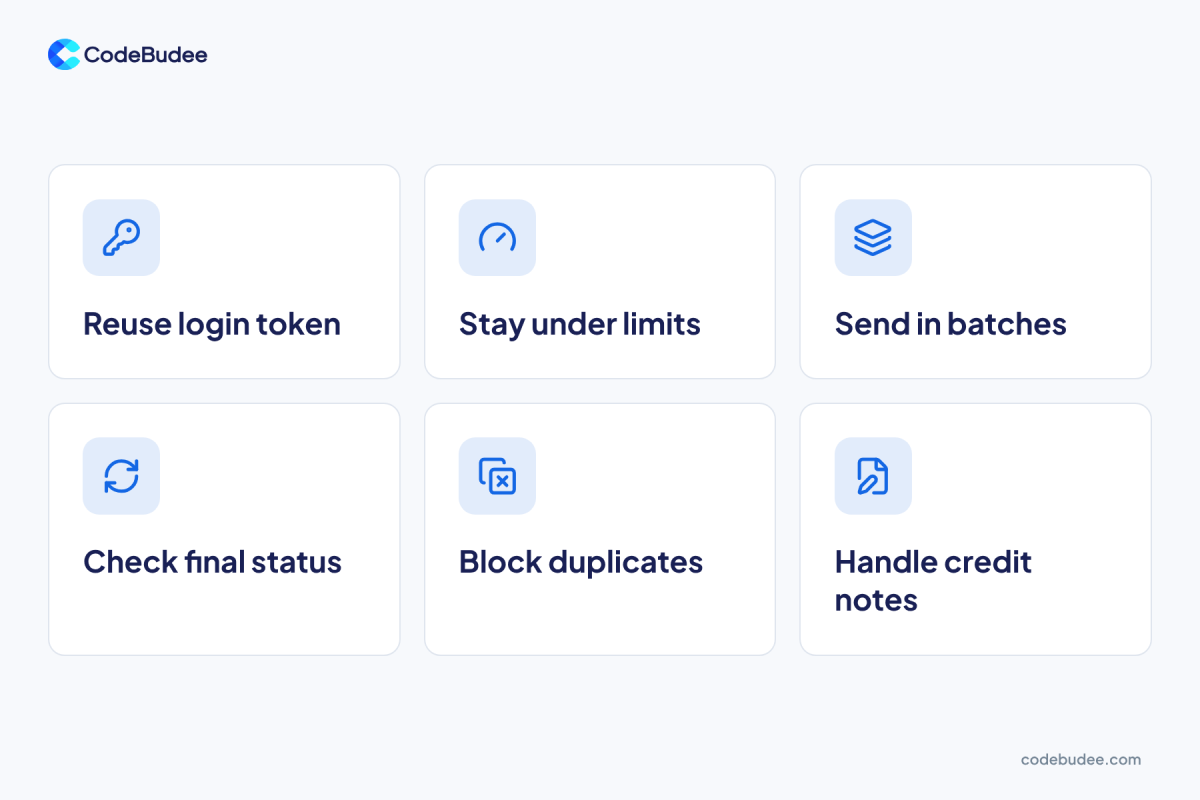
A system that sends e-invoices must do more than send. It has to log in safely and check each submission's status. It must handle errors, the 72-hour window and credit notes. It must also stay within LHDN's limits. Test all of this in LHDN's sandbox (a practice copy) first.
Here is what the build must cover:
- Log in once, then reuse the token. LHDN's integration practices say a login token (a temporary pass) lasts 60 minutes by default. They warn against getting a new token with every call.
- Stay within the limits. The same page caps document submission at 100 requests a minute. Go over, and LHDN replies "429 Too Many Requests".
- Send in batches. Each submission holds at most 100 e-invoices and 5 MB, per LHDN's Submit Documents rules. Each e-invoice can be up to 300 KB.
- Wait for the result. LHDN accepts a submission first and checks it after. Your system must check back for the final status.
- Avoid duplicates. An identical submission sent again within 10 minutes is rejected as a duplicate.
- Handle the after-sale. Cancellations, rejections, credit notes and refund notes all need screens and rules.
Sending the first test invoice is quick. Making every case behave the same way, every day, is the real job. Online payments follow the same pattern, as our guide on what happens after the payment shows.
If your invoices are still built by hand, fix the process before you connect it. Our guide to business process optimisation shows how.
How CodeBudee approaches this
We built a custom loan management platform for a Malaysian moneylender, with LHDN MyInvois e-invoicing built in. Statutory reporting went from about a week to instant. About 10 hours a week of manual re-entry was removed. You can see more of our work.
We build custom systems around how you bill. You get a clear, itemised quote with no hidden costs, and you own the code. Read more about our custom web app development.
Frequently asked questions
Does LHDN check an e-invoice before my buyer gets it?
Yes. You submit the e-invoice to LHDN's MyInvois system first. LHDN checks it and gives a valid one its own ID. Only then do you share it with your buyer. An invoice with errors comes back to you to fix.
How long do I have to cancel an e-invoice?
You have 72 hours from the moment LHDN marks it valid. After that, you cannot cancel it. You must issue a credit note, debit note or refund note to adjust it. Check invoices on the day you send them.
Can I send e-invoices without accounting software?
Yes. LHDN's MyInvois Portal lets you issue e-invoices yourself, with no other software. Its user guide covers issuing documents and uploading them in batches. This suits a low number of invoices. As the number grows, the typing time grows with it.
What is an intermediary for e-invoicing?
Providers that submit e-invoices to LHDN for you are called intermediaries. An intermediary submits with its own login. According to LHDN's FAQ, it can only see the e-invoices it submitted for you.
Your next step
Sending one e-invoice is simple in theory. Getting every sale through the six steps is harder. Start with where your invoices begin. Then match the portal, ready-made software or a direct link to it.
Book a free consultation to talk through connecting your billing system to MyInvois.