Your sales team lists "ABC Sdn Bhd" with one address. Your finance team lists "ABC Sdn. Bhd." with another. The warehouse ships to a third. Nobody made a big mistake. Each system simply keeps its own copy of the customer. Master data management is the way to end that.
Key takeaways
- Master data management (MDM) keeps one trusted record for each customer, product, supplier and location.
- It matters most when several systems each hold their own copy of the same record.
- Data is a top blocker for AI: 43% of data leaders name it in a 2025 Informatica survey.
- Clear signs you need it: duplicates, reports that disagree and staff who type the same data twice.
- Start small. Pick one record type, name an owner and fix the entry point first.
What is master data management?
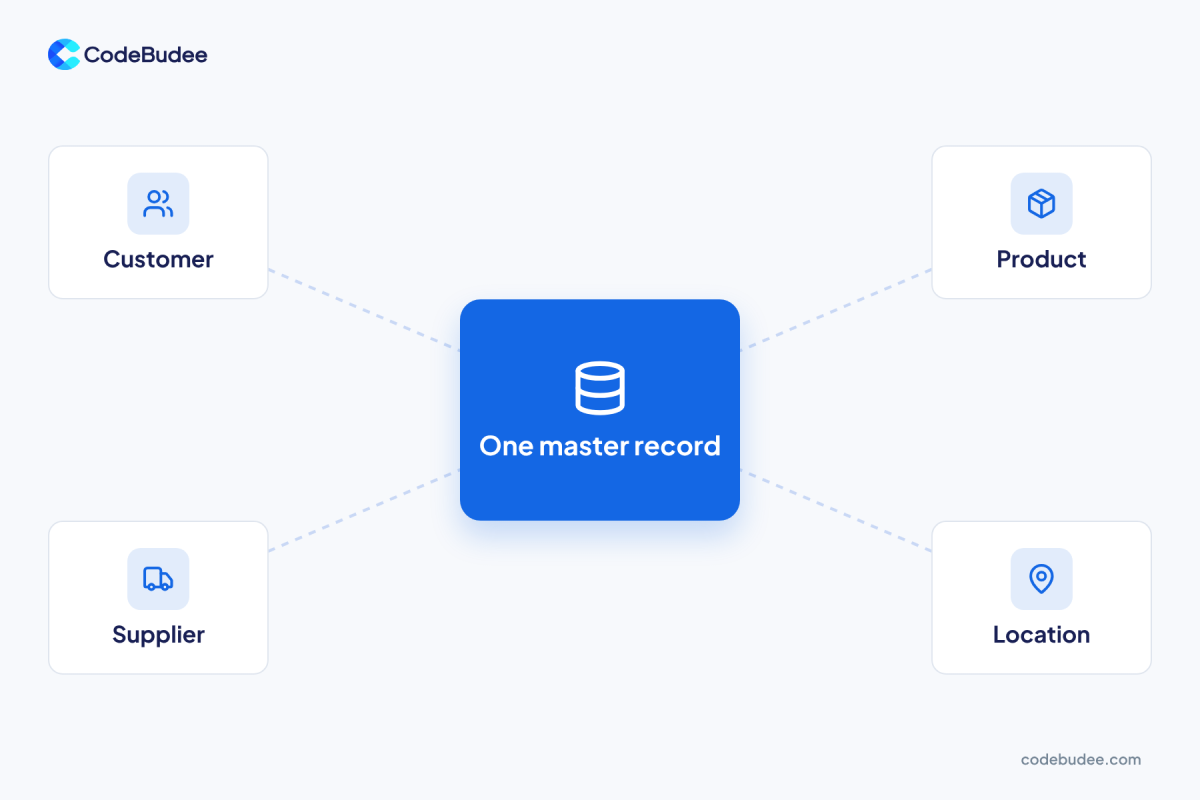
Master data management is the practice of keeping one agreed record for each core thing your business deals with. IBM describes it as a way to manage an organisation's critical data across the enterprise. It combines tools, rules and people, so every system reads the same version.
The slow-changing core is master data. It includes customers, products, suppliers and locations. It is different from transaction data, such as one sale or one invoice. A sale changes every day. Your customer's legal name does not.
Many people treat MDM as a software product you install. See it as a habit instead: one owner, one set of rules and one place to make each record.
Why does messy master data hurt a business?
Messy master data wastes staff time, confuses customers and weakens every report built on top of it. When two systems disagree, someone must stop and decide which one is right. That check happens again and again, and each one takes staff away from real work.
The numbers back this up. In 2018, Experian surveyed 1,000 employees at global organisations. Businesses said they suspect 30% of their contact and prospect data may be inaccurate.
AI raises the stakes. In 2025, Gartner reported that 63% of organisations lack the right data practices for AI. Or they are unsure they have them. Gartner also predicts that firms will abandon 60% of AI projects that lack AI-ready data through 2026.
These are survey results, so treat them as a warning, not as your own score. For a quick test of your data, see our guide on signs your data is ready for AI.
What are the signs you need master data management?
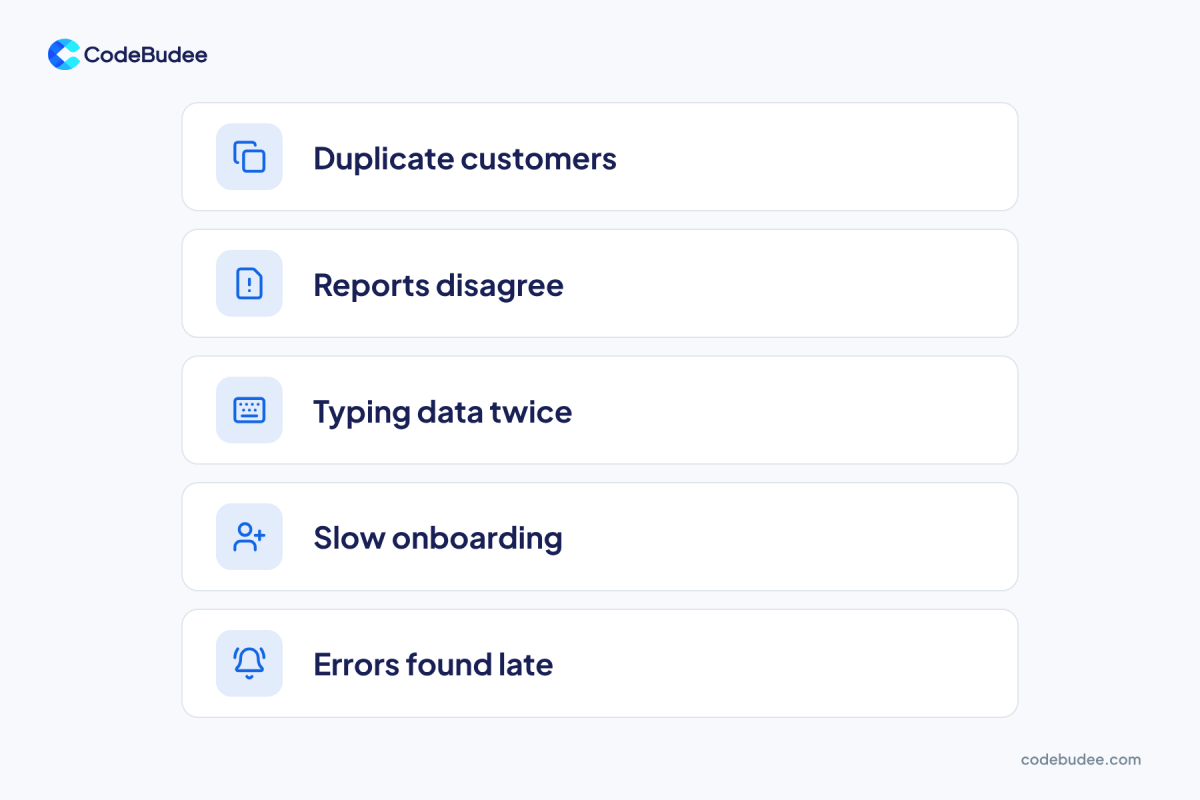
You likely need it when one customer, product or supplier lives in several systems. The copies then do not match. Five signs show up again and again. If you see two or more of them, the problem is no longer small and needs an owner.
- Duplicates: the same customer appears three times under three spellings.
- Reports disagree: sales and finance quote different numbers for the same month.
- Typing data twice: staff copy a new supplier from one system into another by hand.
- Slow onboarding: adding a new product or branch takes days, because every system needs its own update.
- Errors found late: a wrong bank detail or address only shows up after an invoice bounces.
Growth makes this worse. A business with one shop and one spreadsheet can cope. A business with several branches and several tools cannot. We built a booking website for a 20-branch facial chain. Customers book online instead of staff keying in every booking. See our work for more.
Bad records often start as typing errors. Our guide to data quality management shows how to check them.
Should you buy an MDM tool or build your own?
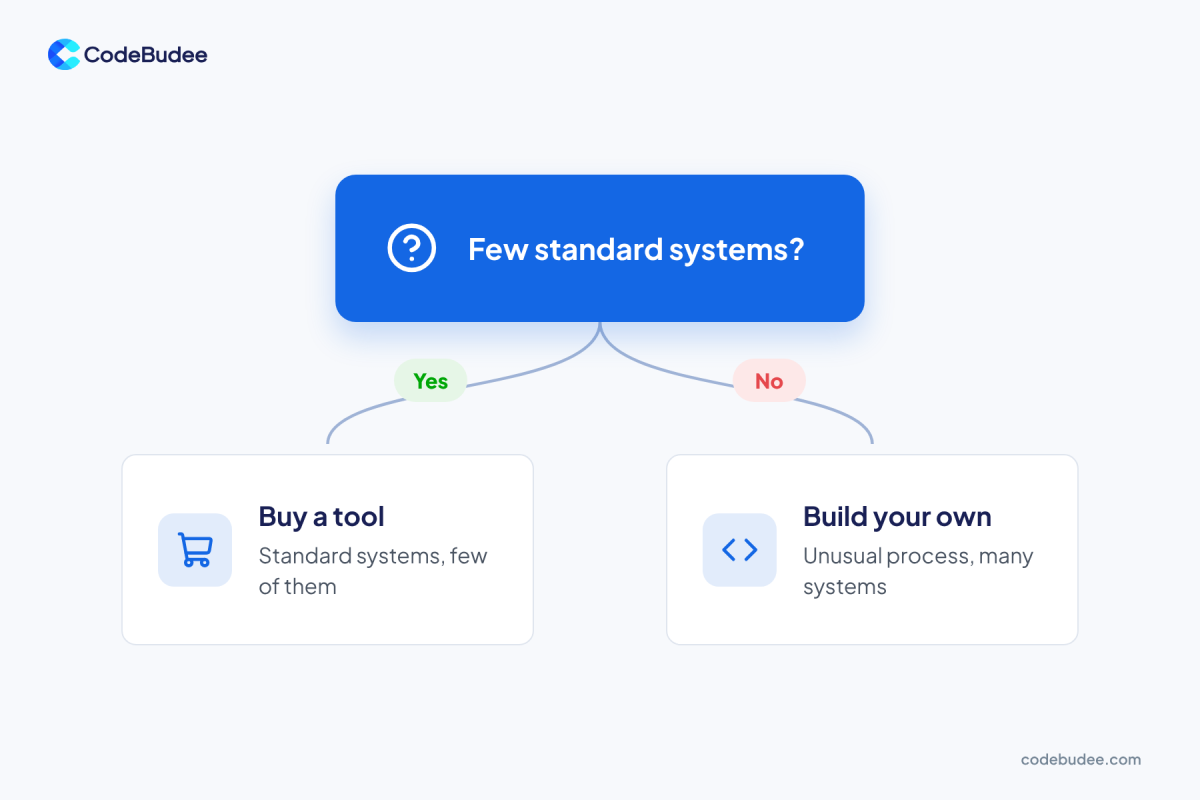
Buy an MDM tool if you run a few standard systems and your process is common. Build your own if you have many systems, an unusual process or special rules. The cost and work of a tool grow with every system you must connect to it.
Buy a tool when:
- You run two or three popular, standard systems.
- Your rules for customers and products are common in your industry.
- You have an IT team that can run and update the tool.
Build your own when:
- Your process is unusual, so a standard tool bends your work to fit it.
- Many small systems and spreadsheets hold the same records.
- You want one screen where staff create and edit each record.
Bottom line: if a tool fits your systems with little change, buy it. If you would change your work to fit the tool, build.
A team that makes custom web applications can build that one screen. It can add required fields, duplicate warnings and a clear owner for each record. The same choice applies to company know-how. We cover it in Knowledge Management Systems: Buy a Tool or Build It In?
How do you start master data management in five steps?

Start with one record type and a small team. Pick the type that hurts most, often customers. Name an owner, write simple rules, clean what you have, then fix the entry point. Repeat for the next type. Do not try to fix every record at once.
- Pick one record type. Choose the one that causes the most rework, such as customers or suppliers.
- Name an owner. One business person decides what a good record looks like.
- Write the rules. For example: every customer has one legal name, one address and one phone number.
- Clean what you have. Merge duplicates and fix errors in one batch.
- Fix the entry point. Let staff create records in one place only, with checks that stop bad data.
Step 5 matters most. If staff keep typing records into three places, the mess comes back. Many teams start from a spreadsheet. We explain why that stops working in 5 reasons to replace Excel with web apps.
Frequently asked questions
What is the difference between master data and transaction data?
This data describes the lasting things in your business, such as customers, products and suppliers. Transaction data records what happens between them, such as an order or a payment. Master data changes slowly. Transaction data grows every day and points back to the master record.
Do small businesses need master data management?
A small business can start with the habit, not a big system. If one person keeps one customer list and everyone uses it, you already do the basics. You need more when several tools or branches each keep a list. The copies then start to drift apart.
How is master data management different from data quality management?
Data quality management checks that your data is accurate, complete and consistent. Master data management decides where the single trusted record of each customer or product lives and who owns it. They work together. Clean records need a clear home, and a clear home needs clean records.
How long does master data management take?
It depends on how many systems hold the same records. Begin with one record type, such as customers. You need a clear owner and simple rules. A full rollout across every system takes longer, so plan it one record type at a time.
Your next step
Start with one list and one owner. Look at your customer records this week. If the copies disagree, you have found the problem. Fixing it makes every report and every future AI project easier to trust.
If your records live in several systems, a custom system can give you one place to edit them. Book a free consultation to talk it through.